ACPlayerID
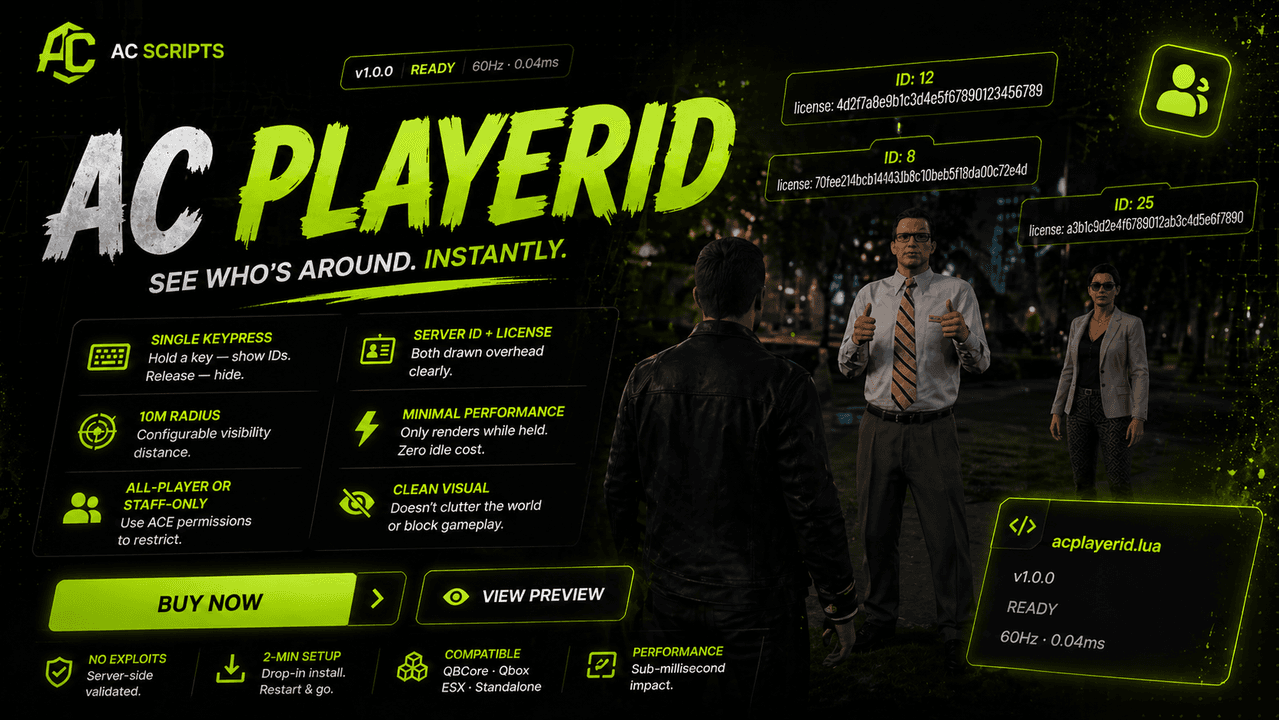
Hold a key — every nearby player gets their Server ID + license drawn over their head. Fast, clean, no console.
What it actually does
Identifying a player in-game — to file an accurate /report, to confirm identity at an RP encounter, to screenshot evidence after an incident — is normally awkward (asking out-of-character, squinting at chat names, typing console commands). ACPlayerID turns it into a single keypress. Hold a configurable key (default U) and every player within a configurable radius gets their Server ID and Rockstar license drawn floating over their head. Available to all players (not just staff) as a quality-of-life feature — pairs naturally with the /report ticket flow and screenshot tools.
Built into every install
Single keypress activation
Configurable key (default U) — hold to show, release to hide.
10m radius (configurable)
Tune visibility distance to your needs.
Server ID + Rockstar license
Both drawn overhead, semi-transparent label.
All-player or staff-only
Restrict to staff via ACE if preferred.
Minimal performance impact
Only renders while held — zero idle cost.
Clean visual
Doesn't clutter the world or block gameplay.
No client-side leakage
IDs come from the local player list — not exposed maliciously.
Live preview coming soon
Live preview
coming soon
Interactive browser demo is on the way.
What you can expect
Optimized Execution
Runs lean even at peak server load.
Stable Runtime
Battle-tested across long uptime windows.
Low Resource Usage
Sub-millisecond execution per tick.
Consistent Updates
Maintained as FiveM evolves.
Drops into your stack
Game build 2189+
Common questions
How do I install the script?
- Drop into resources/[admin]/ACPlayerID/
- Add ensure ACPlayerID to server.cfg
- Edit config.lua: key (default U), radius, restrict to staff yes/no
- Restart server
Are updates included?
Yes — lifetime updates ship through Keymaster. Your server pulls the latest version automatically on restart.
What if I need help?
Buyers get access to a private Discord support channel. Issues are typically addressed within 24 hours by someone who works on the codebase directly.
Will it work with my framework?
Compatible with QBCore, Qbox, ESX, Standalone. Required dependencies are listed in the compatibility section above.
How do I receive the script after buying?
Delivery is automatic. The moment Tebex confirms payment, the resource is granted to your cfx.re account through Asset Escrow — manage and download it from Keymaster. Files are never sent manually.
What is your refund policy?
Because each purchase grants a license to your cfx.re account immediately, sales are final once the asset is delivered. If something doesn't work, our Discord support team will make it right.
Ready to ship
ACPlayerID?
Lifetime updates, Keymaster delivery, and direct Discord support — all included.
Granted to your cfx.re account via Asset Escrow the moment payment clears — download from Keymaster. No manual file transfers.
Licenses are delivered instantly, so sales are final once granted. Buyers get private Discord support if anything needs fixing.